Two page view sequence issue

Forum for the PDF-XChange Editor - Free and Licensed Versions

Moderators: PDF-XChange Support, Daniel - PDF-XChange, Chris - PDF-XChange, Sean - PDF-XChange, Paul - PDF-XChange, Vasyl - PDF-XChange, Ivan - Tracker Software, Stefan - PDF-XChange

Hammer
User
Posts: 8
Joined: Mon Jun 29, 2026 4:58 pm

Two page view sequence issue

Post by Hammer »

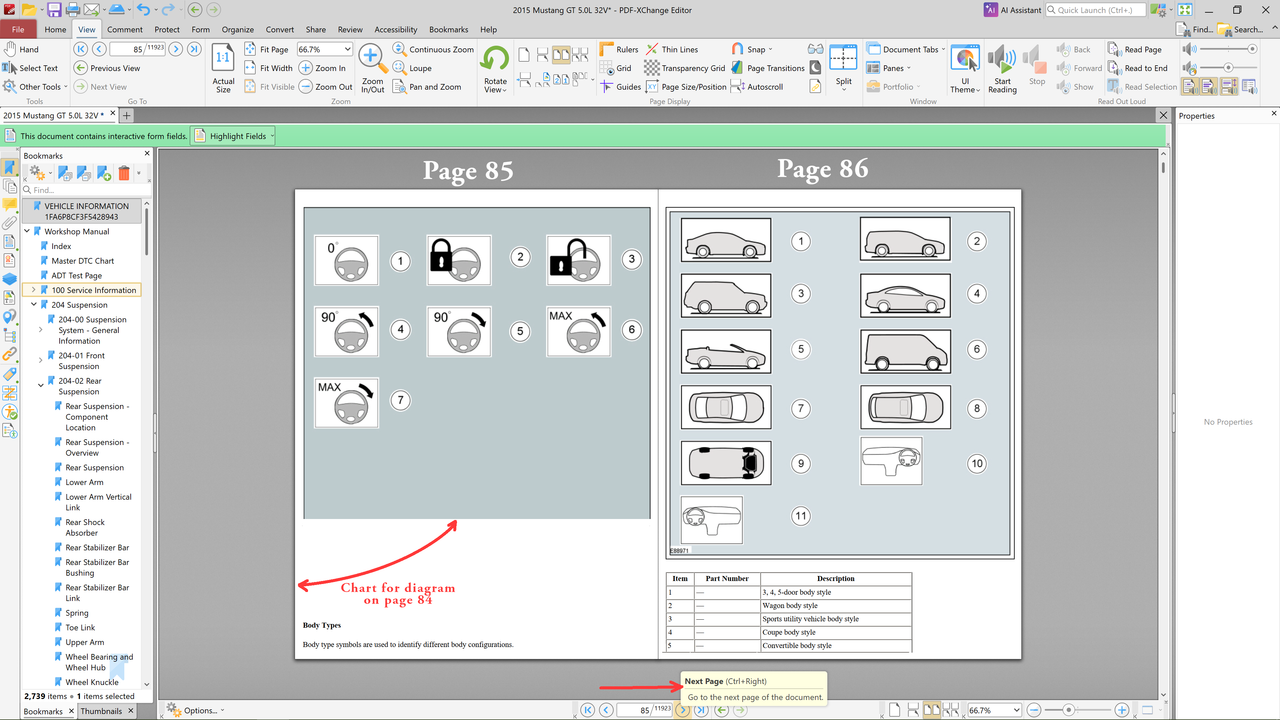
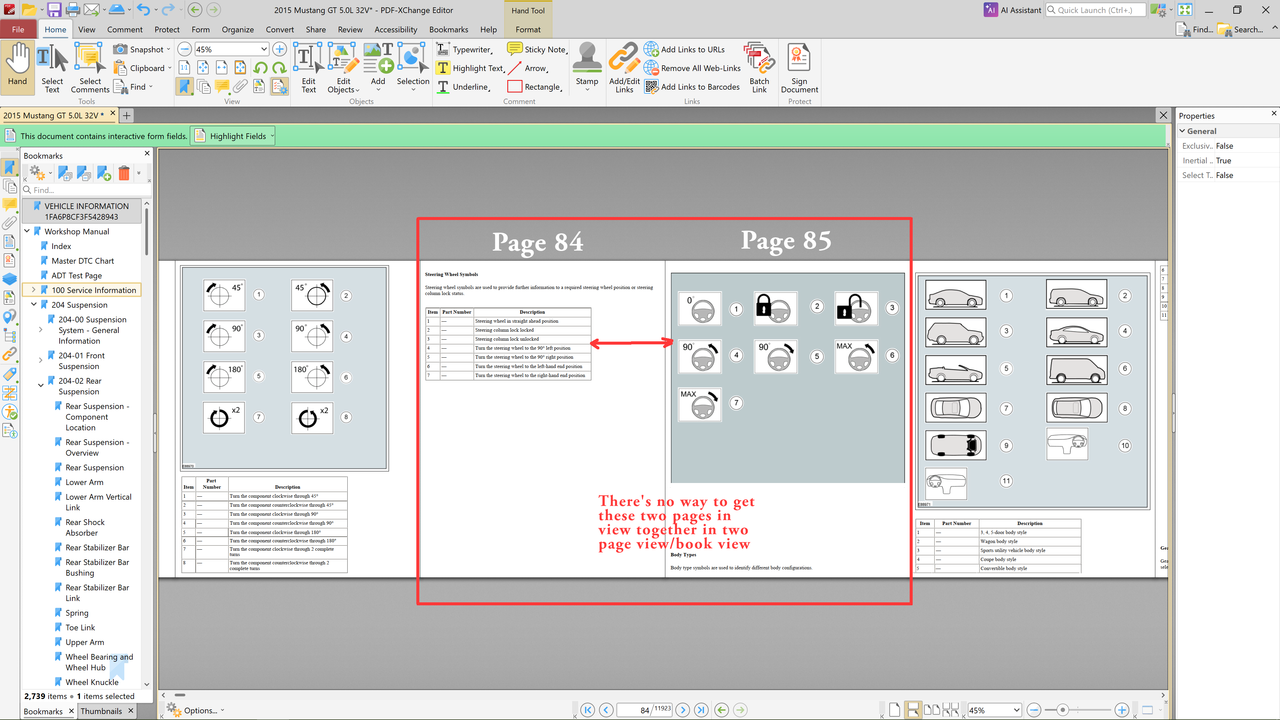
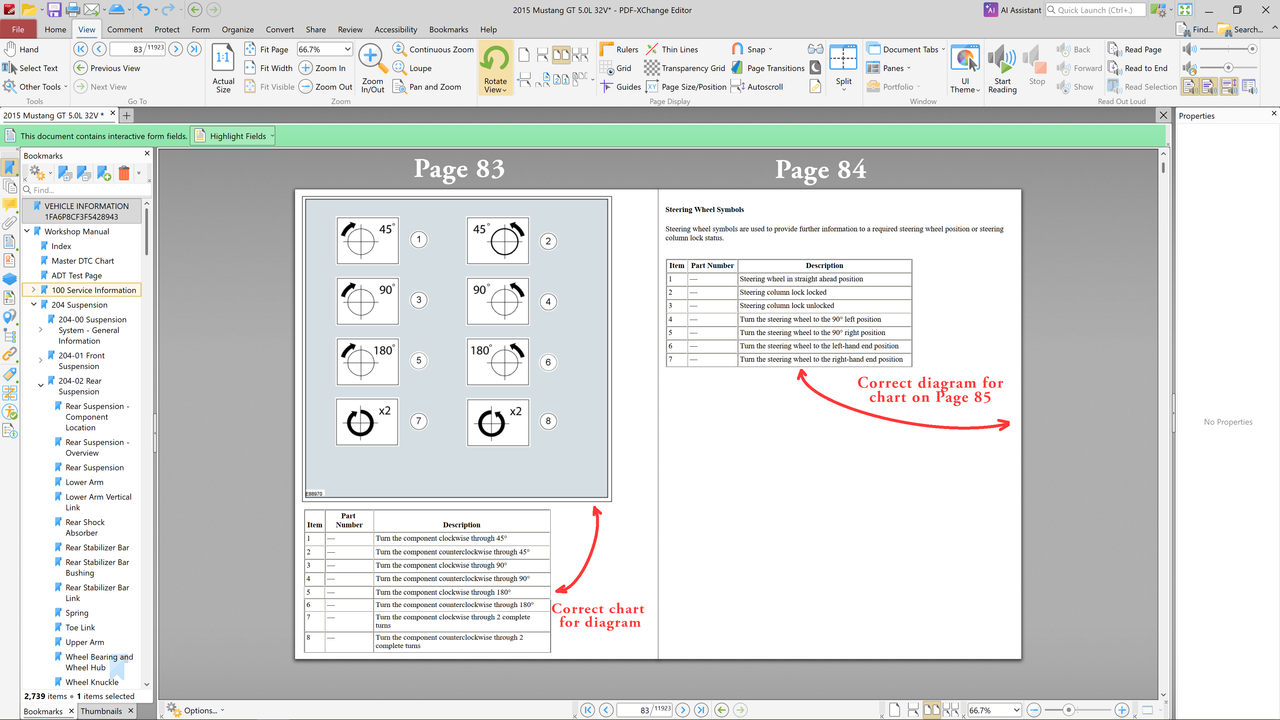
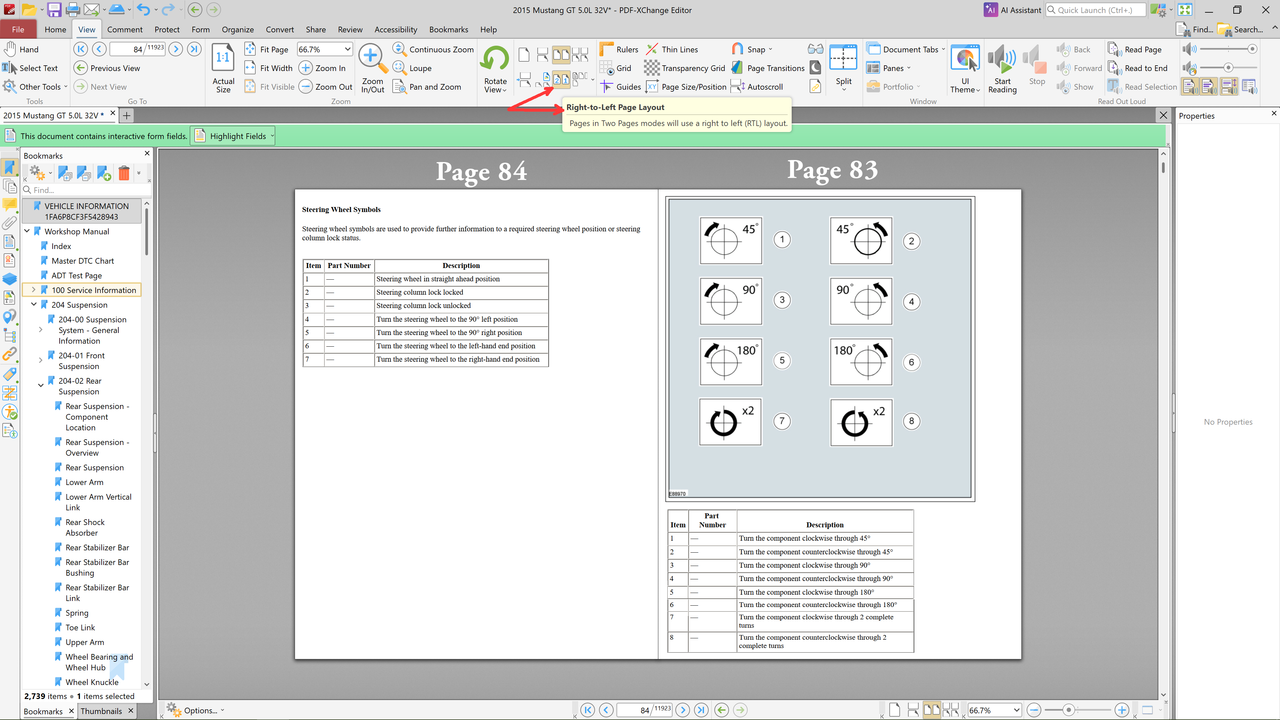
I own a copy of editor pro but this is more of a reader/viewer issue. I have a lengthy instruction manual that has a lot of charts with corresponding diagrams. Diagrams and the charts that go with them are always side by side and two page view is great for focusing on a diagram and it's corresponding chart without any distractions on either sides of the pages.

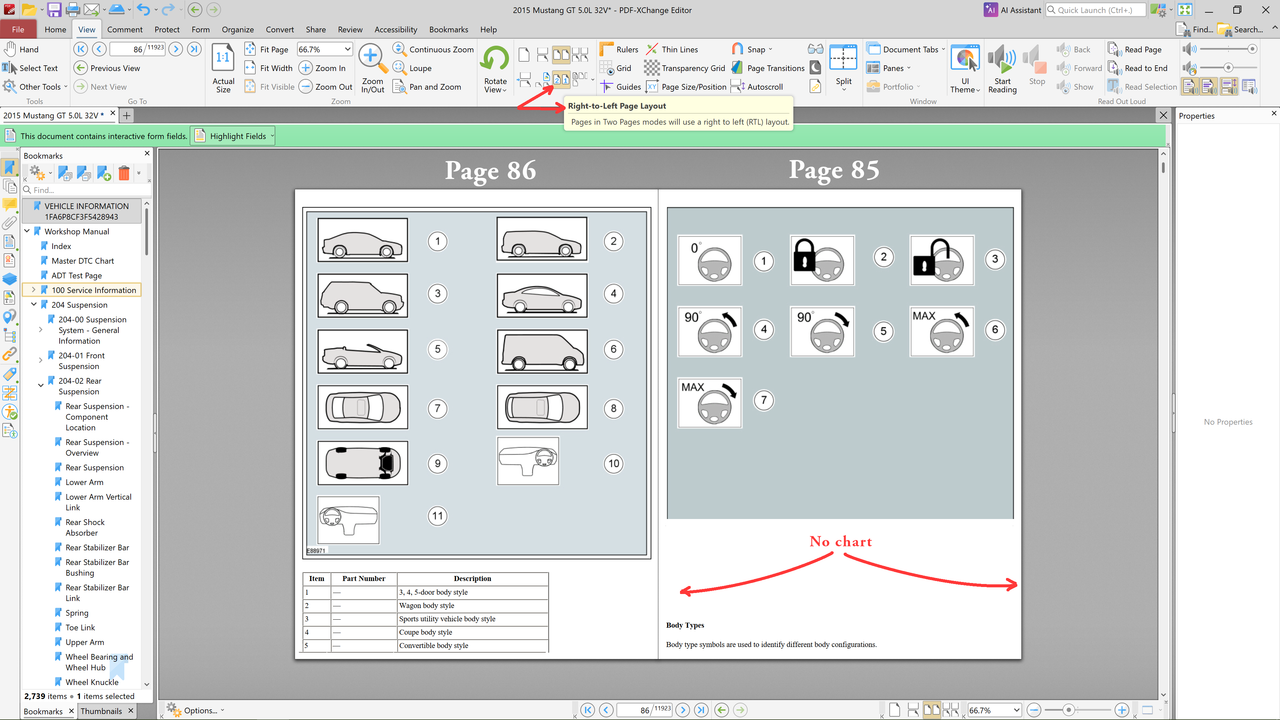
When I start from either one page view or two page view or continuous or ribbon , it really doesn't matter, and then go to two page view, some charts and their corresponding diagrams will not come into view together side by side because of some built in sequencing. Even when I toggle the RH LH button. Some sequencing script keeps some pages from being viewed side by side.

What would be nice is if whatever page it's on/active/showing in the page number field, odd or even page, that when you went to two page view the active page would always come up on the left (odd numbered page or even numbered page), and the page after the active page would come up on the right side hand side beside it. And then... when you clicked on "next page", the page on the right would move to the left and then the page number after that one would come up on the right. A rolling two page view. And then to have a reverse button for that rolling view, just because. Right now with two page view, with the click of "next page," the two pages that are viewable completely disappear and the next two pages after those come into view and so on.
Image

Image

Image

Image

Image
User avatar
Daniel - PDF-XChange
Site Admin
Posts: 13041
Joined: Wed Jan 03, 2018 6:52 pm

Re: Two page view sequence issue

Post by Daniel - PDF-XChange »

Hello, Hammer

I believe that this is the option you are looking for:
image.png
Using this will change 2 page view from a simple "1:2, 3:4, 5:6" instead into a "-:1, 2:3, 4:5" presentation format.

Beyond that tool, there is no option to automate this.

Kind regards,
You do not have the required permissions to view the files attached to this post.
Dan McIntyre - Support Technician
PDF-XChange Co. LTD

+++++++++++++++++++++++++++++++++++
Our Web site domain and email address has changed as of 26/10/2023.
https://www.pdf-xchange.com
[email protected]